
IGNOU Re-registration Last Date 2025: The Indira Gandhi National Open University (IGNOU) has officially announced July 15, 2025 as the extended last date for re-registration for its July 2025 academic session. This last date applies to all existing IGNOU students enrolled in UG, PG, programs offered through both Online and Open and Distance Learning (ODL) modes.
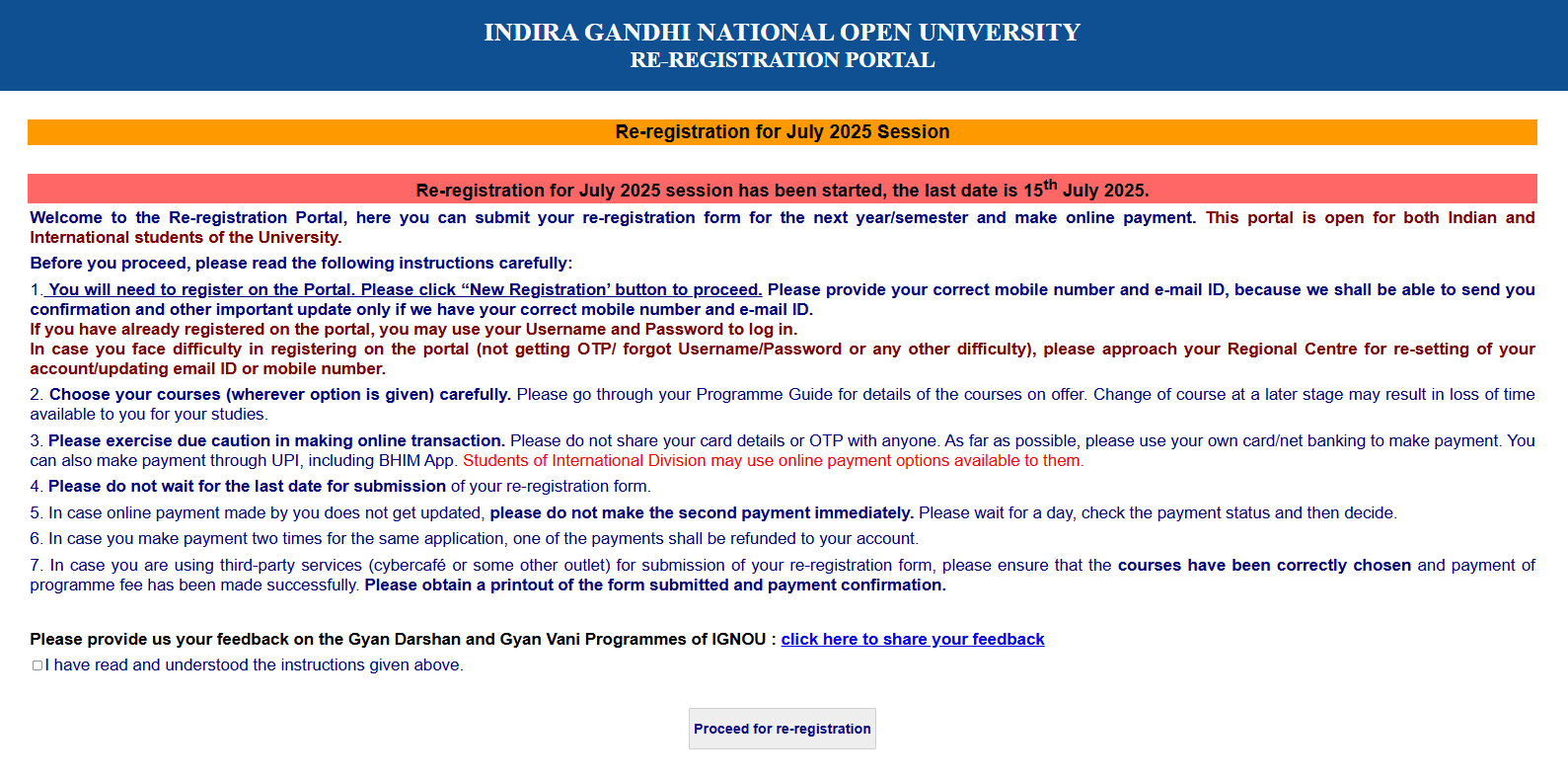
IGNOU Re-registration is a mandatory process for students who wish to continue their studies in the next semester or academic year. It is not applicable to new applicants. Students must complete the process through the official portal at onlinerr.ignou.ac.in, where they can select their courses and pay the required program fee online.
IGNOU University Trending Updates
Also Read: IGNOU Admission
The Indira Gandhi National Open University re-registration process began on May 15, 2025 under the July academic session. The university offers a wide range of UGC-DEB-approved programs such as BA, BCom, BCA, MA, MBA, and MCA, among others.
IGNOU Re-registration Last Date 2025
| Event | Date |
| IGNOU Re-registration start date | 15 May 2025 |
| IGNOU Re-registration extended last date | 15 July 2025 |
| IGNOU 2nd Year admission last date | 15 July 2025 |
Step by Step Apply for IGNOU Re-registration 2025
Here’s a step-by-step guide to help students can complete their IGNOU re-registration for the July 2025 session:
- Visit the Official Portal
- Go to onlinerr.ignou.ac.in.
- Click on “Apply Online Re-Registration Form”
- This will take you to the login page for existing students.
- Login with Your Credentials
- Now students enter your Enrollment Number and select your Program Code.
- If you’re new to the portal, click on “New Registration” to create an account.
- Fill in the Re-Registration Form
- Choose your next semester/year courses.
- Select elective or optional subjects if applicable.
- Review and Confirm
- Students Double-check their selected courses and personal details. Make sure everything is accurate before proceeding.
- Make the Payment
- Pay the required fee using Credit/Debit Card, Net Banking, or UPI.
- International students can use available online payment options.